What You Get
Everything for Kashmiri Documents
A complete toolkit for writing, styling, sharing, exporting, and managing Kashmiri documents.
Presentation Player Web
Create a presentation in Koshur Editor, save it as a .kep file,
then open and play it directly in your browser.
- Preview slides and choose where to start
- Fullscreen playback and keyboard navigation
- Animations, images, and browser-supported audio and video
- Your presentation stays on your device
Open KEP Player
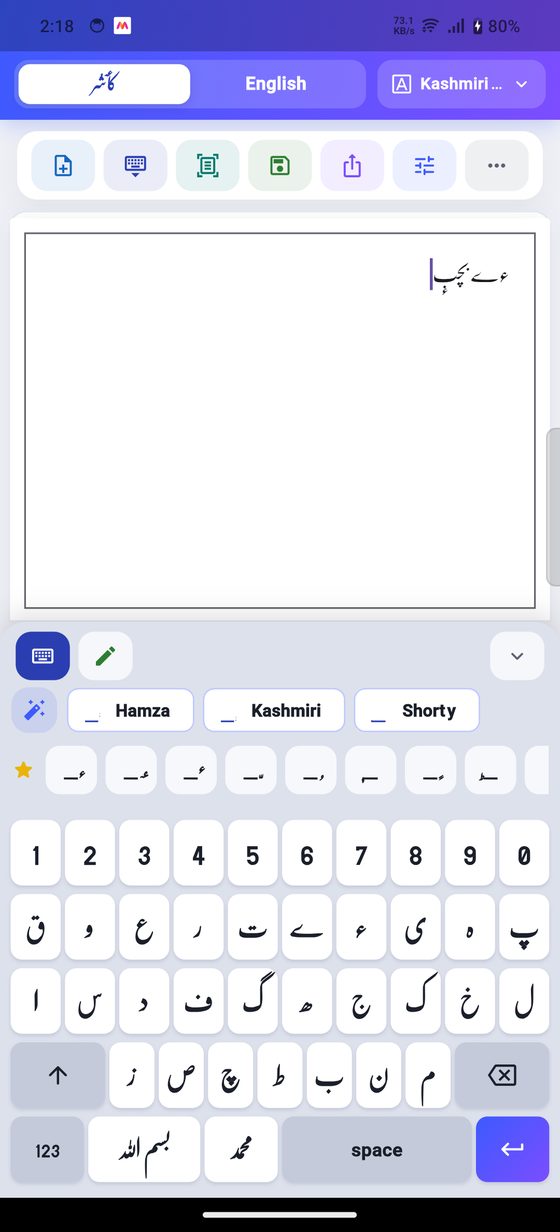
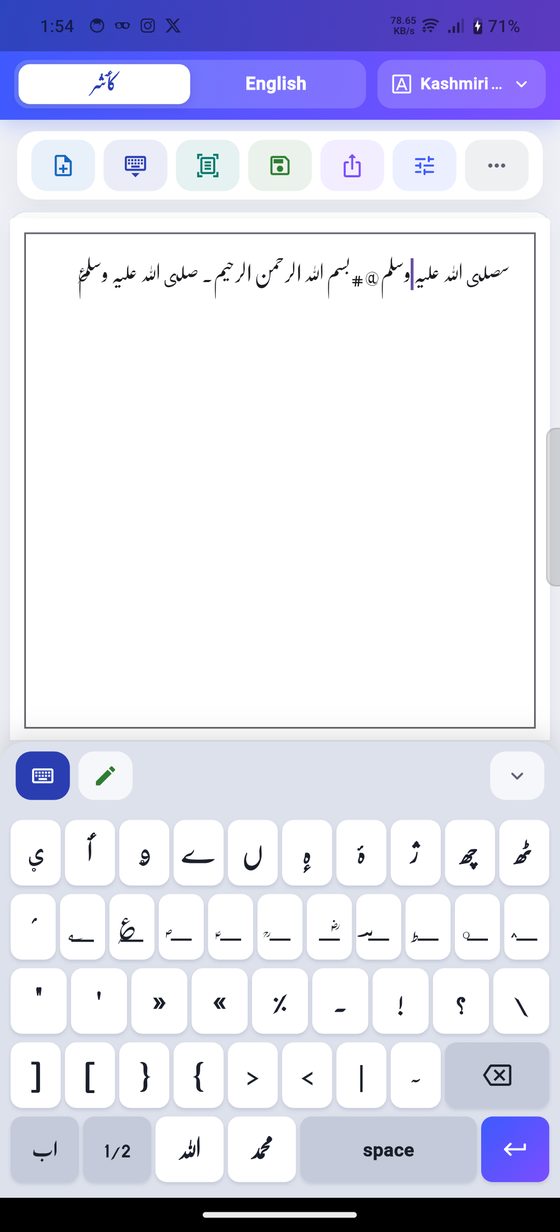
Customised Keyboard
Make the in-app Kashmiri keyboard your own, with special letters, marks,
and Urdu, Arabic, and English support in the same editor.
- Open More → Customise Keyboard
- Arrange keys and add long-press characters
- Save named layouts and switch between them
- Import and share your custom keyboards
Text to Speech Beta
Listen to selected Kashmiri text inside the app. Select your text and choose
Play to start reading aloud.
- Pause, resume, stop, and play again
- Adjust speed, pitch, and volume in TTS settings
- Follow along with word highlighting
- Works offline after the first voice download
Connect & Print
Print documents from the app using Wi-Fi or system printers, or connect
to a compatible Bluetooth thermal printer on Android, iPhone, and iPad.
- Choose Print to select your printing method
- Search for and connect to thermal printers in-app
- 58 mm and 80 mm thermal paper options
- iPhone and iPad require compatible BLE thermal printers
Writing Assistant
Helpful chips appear near the keyboard for faster Kashmiri typing and corrections.
- Common mark suggestions
- Quick correction helpers
- Recent and favorite symbols
Digital Ink Handwriting
Write with finger or stylus and convert recognized ink into editor text.
- Mobile and tablet handwriting flow
- Urdu, Arabic, and English recognition
- Kashmiri symbol rows for extra marks
OCR Scanning Alpha
Scan images and bring recognized Perso-Arabic, Urdu, and English text into documents.
- Camera and image import
- Perso-Arabic + Urdu + English OCR
- Clean output inside the editor
Rich Text Editor
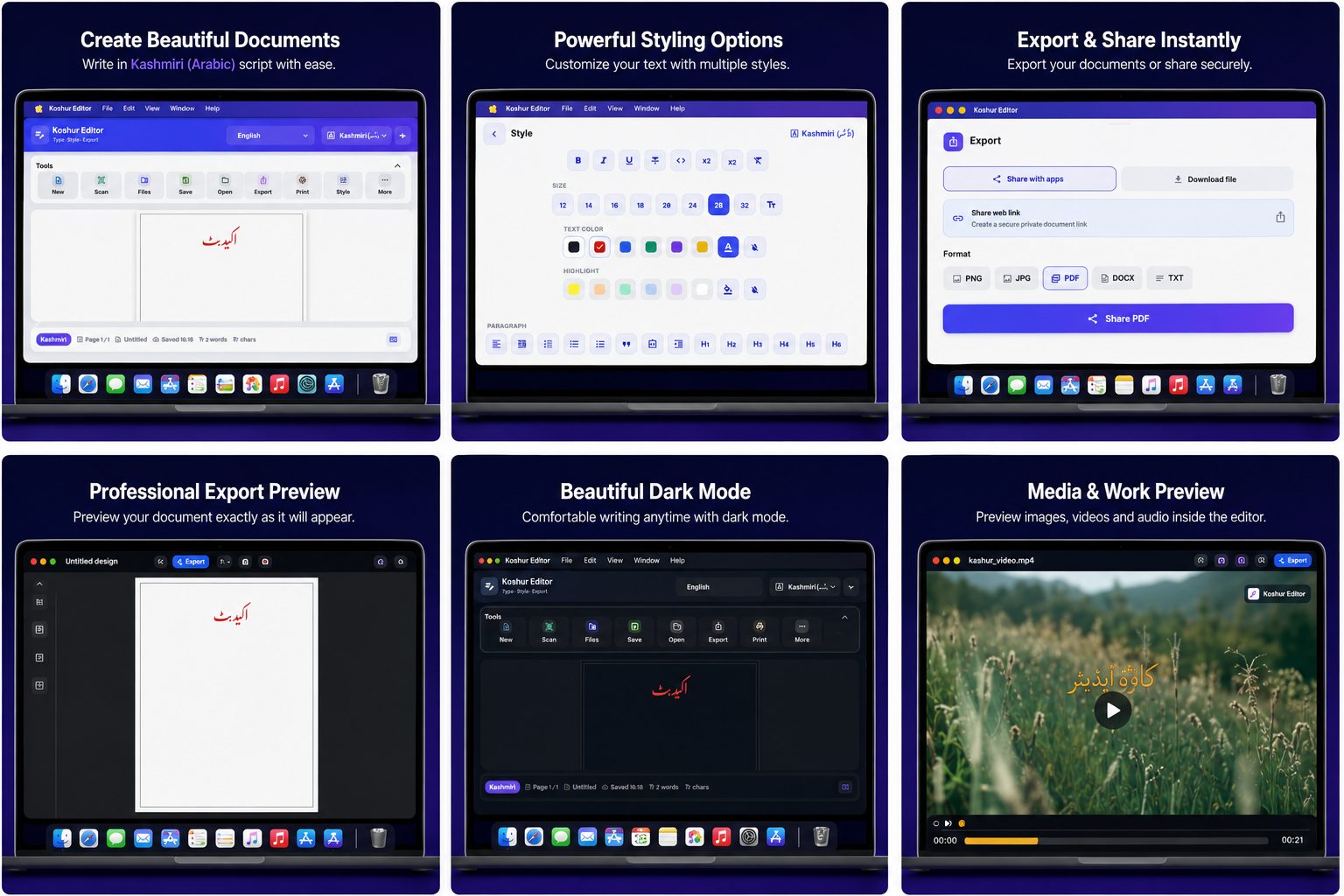
Style Kashmiri documents with professional controls while keeping the page visible.
- Bold, italic, underline, size, and colors
- Paragraph alignment and lists
- Compact scrollable style panel
Professional Fonts
Use bundled Kashmiri, Urdu, and Arabic display fonts for clean document styling.
- Kashmiri symbol font
- Jameel Noori Nastaleeq Kasheeda
- Gandhara Suls and Diwany Thuluth
Tables & Rows
Build editable tables that support Kashmiri, Urdu, Arabic, and English text.
- Type inside table cells
- Change table cell fonts
- Insert images and shapes in rows
Images & Background Tools
Add images to the page, resize them, drag them, and adjust how they appear.
- Resize and drag images
- Transparency controls
- Background remover workflow
Drawing, Shapes & Layers
Draw, sketch, erase, add shapes, and place objects exactly where the document needs them.
- Draw pad with scroll lock controls
- Move shapes in front or behind text
- Long-press actions for editing objects
Document Library
Create, save, organize, and reopen documents with a cleaner local library workflow.
- New document, save, save copy
- Search, favorites, rename, duplicate
- Open TXT and DOCX files
Encrypted Web Share
Create secure resource links that can open the same document inside the app.
- Encrypted editor data
- App-opening links for resources
- Server and app key protection
Export & Print
Save and share finished work in common formats with page-aware output.
- PDF, image, DOCX, TXT workflows
- Print preview
- Page frame and alignment support
Beautiful Mobile UX
Built for small-height phones, tablets, and focused everyday writing.
- Keyboard-aware editor height
- Collapsible panels for more space
- Professional first-time onboarding